From the read-only archive of the Wardley Mapping community forum (2018–2023). Category: Tools · #template. Posts are by their authors. Links to sites that moved or closed point to link notes.
agileben · · 4 likes
Hi all 👋 very happy to be here.
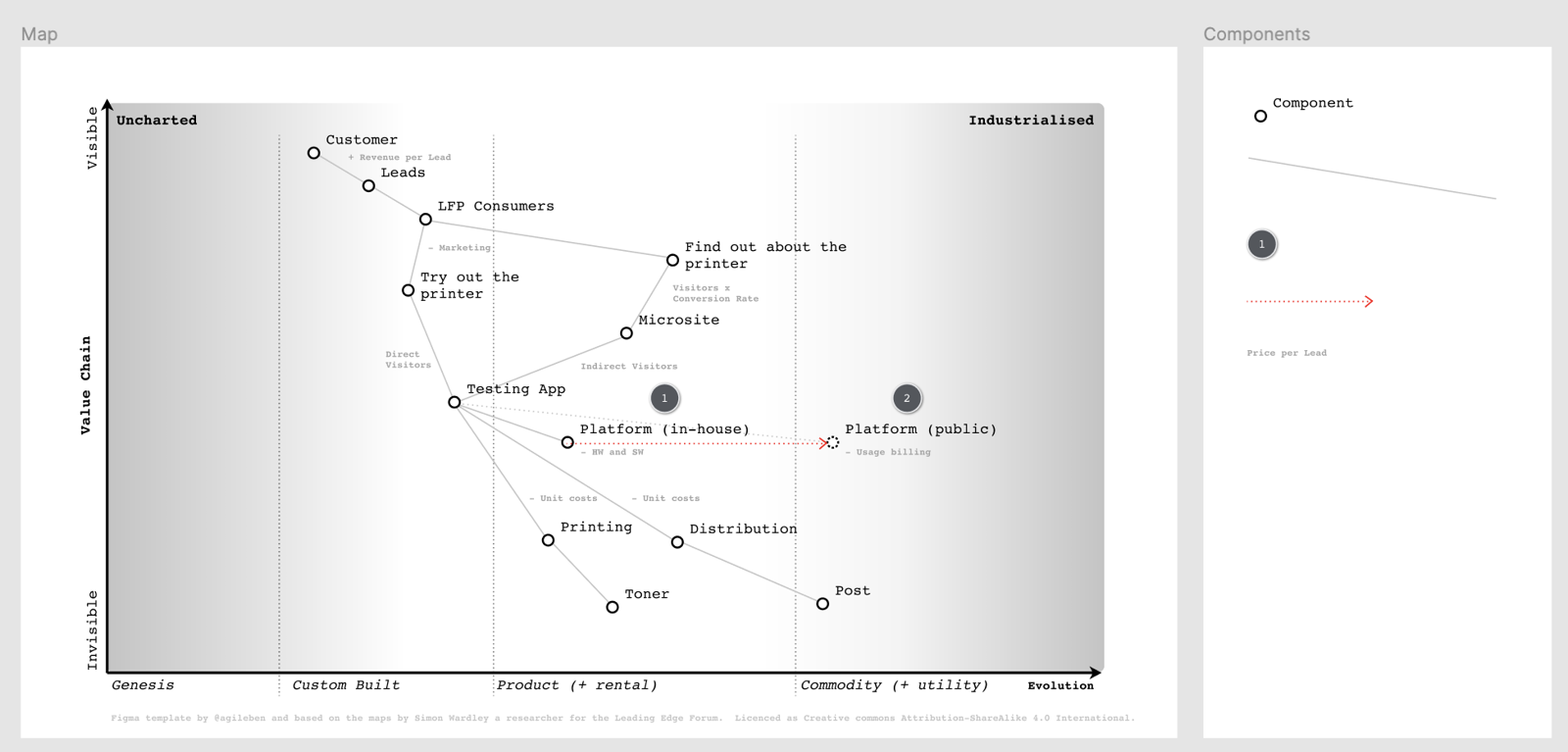
I wanted to share a link to my first mapping template using the free online tool Figma. Using Figma allows me to collaboratively edit the map online and also use the comments feature to discuss points of interest on the map.
Feedback and experiences using the template much appreciated. I plan to update the template to add more components over time.
Ben
chris.daniel ·
Hi Ben,
is it possible to have connections attached to nodes?
Best,
Chris
ChristianDavis ·
Figma is built around wireframing and desiging UI, so it only has concepts of groups and layers, and some simple components that can generate instances. There is an extensive plugin system so there might be some plugin that could hold the graph and aid in drawing the relationship lines between components
agileben ·
Hi Chris,
Not that I’m aware of: I was able to get the lines to snap to the centre of a node, and then I could group them so the line stayed connected, but not to connect two nodes.
I recently had some luck with a different tool: Mural.co getting nodes to connect properly.
Ben
DigitalArchitect · · 1 like
For proper diagrams and connections,
You can use, and its free, https://app.diagrams.net/
And you can export it when having a session
to any of above mentioned
Figma and Mural
julius.gb · · 1 like
Hi @DigitalArchitect, I use that one too. Here’s a link to it that also contains mapping symbols - Drawio - mapping template/icons